We ‘re increasingly aware of info circulating on the web about cyber attackers buying up plugins and then using them to spread malware, but there’s also a huge question mark over how much of that info is exaggerated. Here’s a quick, balanced run through what every business should know about WordPress plugins, so you can take positive action, carefully manage your risk and sleep well.
WordPress plugins are one of the main reasons the platform is so popular. They allow businesses to add powerful features quickly and cost-effectively. But like any convenience, they come with trade-offs that are worth understanding.
At the heart of the issue is trust.
When you install a plugin, you’re effectively giving it permission to interact with your website at a deep level. Most of the time, this works exactly as intended. However, if a plugin is ever compromised — whether through a security flaw, a developer account issue, or a change in ownership — that same level of access can be misused.
Security researchers have repeatedly highlighted this as a supply chain risk. In simple terms, it means that even if your own systems are secure, a trusted third-party component (like a plugin) could introduce vulnerabilities.
One example of how attackers take advantage of this is by hiding malicious behaviour in a way that’s difficult to detect. In some cases, compromised sites may appear completely normal to visitors, while search engines are shown spam content in the background. This can damage your reputation and search rankings without any obvious warning signs.
Here’s the good news
For most businesses, this is a manageable risk — not a reason to avoid WordPress or plugins altogether.
The vast majority of plugins are safe, and the WordPress ecosystem is actively monitored. Problematic plugins are regularly identified and removed, but if they’re already installed on your site you may be exposed. With the right approach, you can continue to benefit from WordPress while staying well protected.
So what is the right approach?
Practical steps to reduce risk
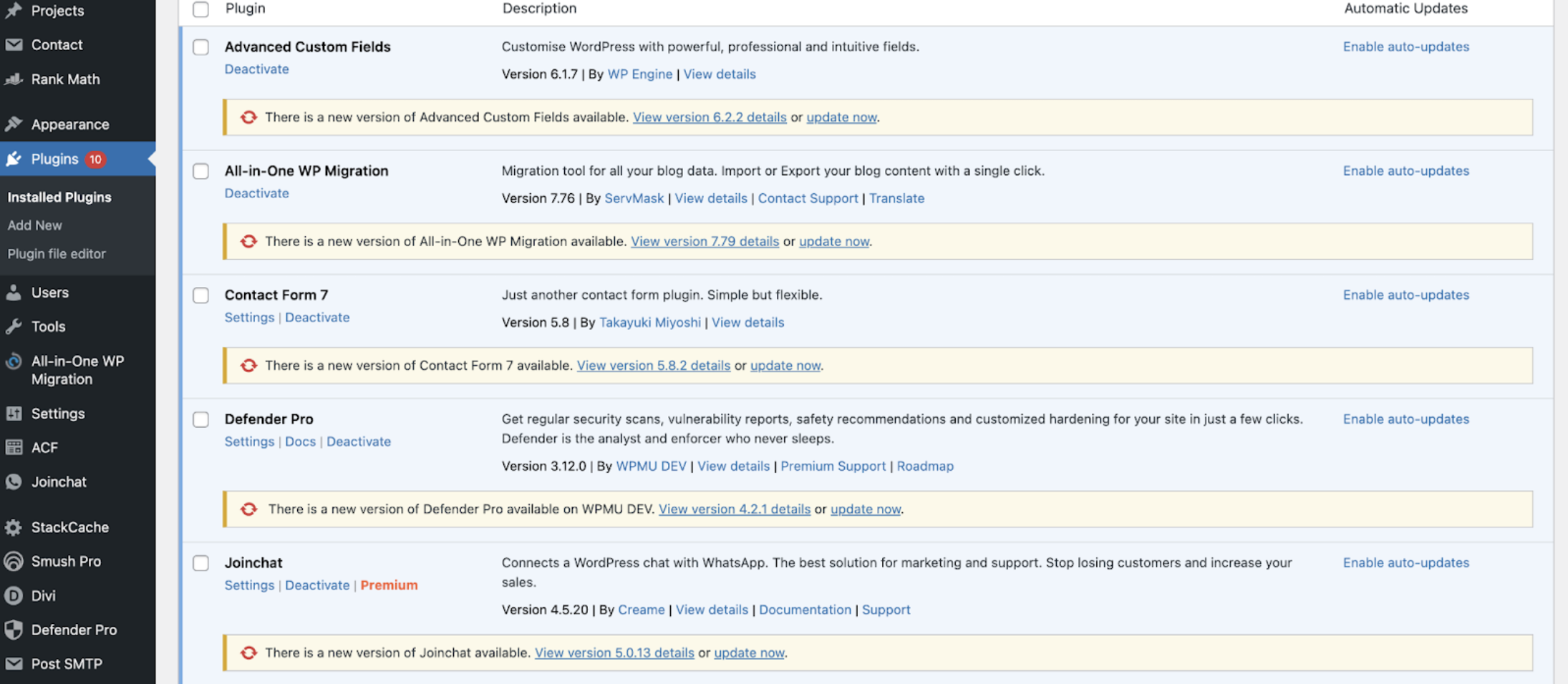
A few sensible habits go a long way:
- Use fewer plugins, not more
Only install what you genuinely need. Every additional plugin increases your exposure. - Choose reputable developers
Look for plugins with strong reviews, regular updates, and active support. - Keep everything up to date
Updates often include important security fixes. - Monitor your website
Regular checks (or automated monitoring tools) can help spot unexpected changes early. - Maintain reliable backups
A clean, recent backup gives you a safety net if something ever goes wrong. - Work with a trusted partner
If you’re unsure, having expert oversight can remove a lot of the burden.
The Cosurica balanced perspective
Technology always involves some level of risk — the key is managing tech, not avoiding it altogether.
WordPress remains a robust and widely used platform for a reason. By being selective, staying informed, and putting a few safeguards in place, you can confidently continue to use plugins without exposing your business to unnecessary risk.
The goal isn’t to eliminate trust — it’s to use it wisely.
Don’t forget to get regular backups of your WordPress website! Please!
We can’t stress the importance of website backups enough!


